

Keychron K8 Ultra 8K review
The Keychron K8 Ultra 8K is a tenkeyless mechanical keyboard built for people who want one board for office work and PC gaming.…



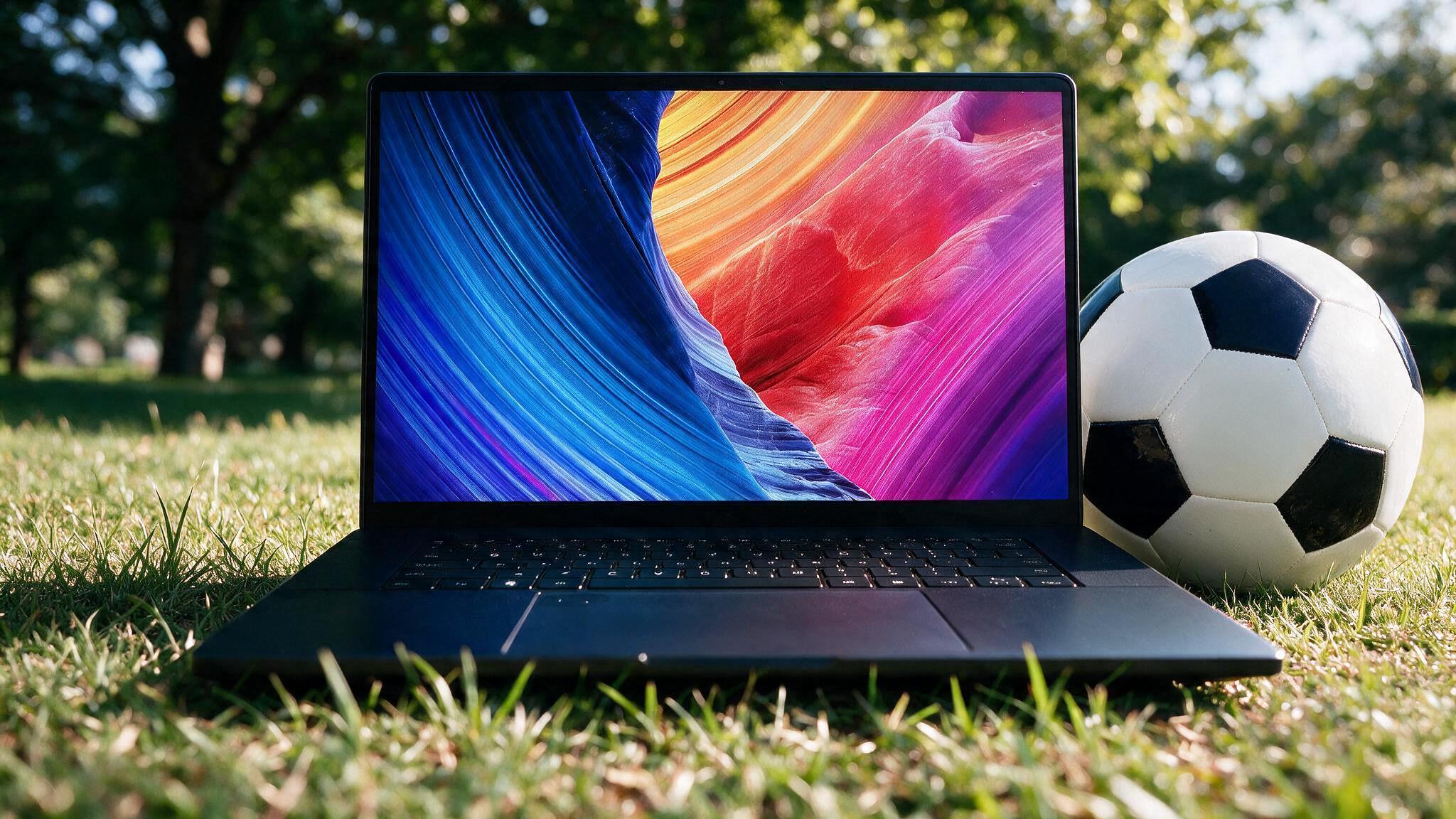
Portability and all-in-one convenience come at a premium. For video editors, streamers, photographers, and 3D artists, the laptop vs desktop choice is less about brand and more about render times, upgrade paths, and what the machine will cost you over three to five years.
A creator laptop can finish a 4K timeline on a coffee shop table. A desktop can cut that same export in half, take a new GPU next year, and drive two or three color-accurate monitors without a dongle pile. Both setups work. The wrong one wastes money you could have spent on lenses, lights, or storage.
Creative apps stress a PC in a different way than games. Premiere Pro, DaVinci Resolve, After Effects, Blender, and OBS care about sustained CPU power, GPU encode/decode, RAM headroom, and fast scratch disks. Thermals matter because a 20-minute export is a long enough window for a laptop to throttle.
Use this as a baseline before you pick a form factor:
If your work is mostly captions, talking-head YouTube, and Lightroom, you can undershoot this list. If you cut 4K/6K, grade in Resolve, or render Blender overnight, these numbers are not optional.
A laptop is the right tool when the work moves. Client offices, on-set backups, co-working spaces, travel vlogs, and campus work all favor a single machine you can close and carry. Wedding shooters, documentary crews, and social teams often need a proxy edit the same day. A creator laptop with a decent GPU, 32 GB of RAM, and fast SSD storage lets you ingest cards, make a rough cut, and hand off a preview without going back to a studio PC.
Screen, keyboard, trackpad, battery, and webcam arrive together. That sounds basic until you have shipped a desktop to a new apartment or rebuilt a desk after a move. For creators who change rooms often, the laptop tax can be cheaper than downtime.
Showing a timeline on a laptop in a meeting is simpler than screen-sharing from a tower under a desk. If you present to brands, agencies, or talent in person, a thin workstation laptop is part of the kit, even if a desktop does the heavy renders at home.
You pay more per frame of performance. Mobile GPUs and laptop CPUs run at lower power limits than desktop parts with the same name. Fans get loud under Resolve or Blender. RAM and GPU are often soldered. When the machine feels slow in year three, you replace the whole unit instead of a single card.
A desktop is the right tool when the desk is the studio. Streaming, long-form YouTube, podcast video, 3D, and color work all benefit from sustained power, extra screens, and parts you can swap.
Desktop CPUs and GPUs hold boost clocks for a full export. A laptop that looks close on a spec sheet can lose 20 to 40 percent once the chassis heats up. That gap shows up in H.264/H.265 encodes, noise reduction, Fusion/After Effects comps, and GPU renders in Blender or Cinema 4D. Cooler parts also last longer under daily load. A tower with decent airflow can run a 4-hour stream plus a nighttime encode without sitting at 95 C the whole time.
Creators hit walls in a predictable order: storage fills up, RAM runs out on a 4K timeline, then the GPU ages out of new codecs and accelerators. On a desktop you add a 4 TB NVMe drive, move to 64 GB of RAM, or drop in a new GPU without touching the rest of the build.
Most creator laptops lock you out of the GPU and often the RAM. You can add an external SSD. That is usually the full upgrade path.
Capture cards, audio interfaces, stream decks, camera HDMI, NAS, and two or three monitors are normal on a creator desk. A desktop motherboard and a full-size GPU give you PCIe slots, plenty of USB, and DisplayPort outputs that do not depend on a USB-C hub.
Laptops can do this with docks. Docks work until you need a capture card, a second 10-bit panel, and a fast RAID enclosure at the same time. Then the desktop layout is simply easier.
Marketing names make this comparison harder than it should be. An RTX-class laptop GPU is not the desktop card with the same number. Power limits, vapor chambers, and chassis size decide how long that chip stays fast.
A practical way to think about it:
Hardware encoding (NVENC, AMF, Quick Sync, Apple Media Engine) narrows the gap for simple timeline exports and live streams. It does not erase the gap for effects-heavy timelines, denoise, or 3D. If your day is 80 percent H.264 export and 20 percent heavy compositing, a laptop is more viable than the forums suggest. If that ratio is reversed, buy the tower.
Sticker price is the wrong number. Creators should price the machine they will still be happy with in year four, plus the storage and displays the work requires.
Example pattern we see often: someone spends laptop money to get desktop-class specs, then docks it at home 90 percent of the week. They paid the portability tax and almost never use portability. The inverse also happens: a desktop editor takes a two-week shoot and has no machine that can ingest and cut in a hotel.
Total cost of ownership favors the desktop if you sit at one desk. It favors the laptop if travel is weekly. It favors a split setup if you can fund both: a strong desktop for the studio and a cheaper laptop for travel and notes, not for final 4K grade.
Desktop first if you edit at home. Timeline playback, effects, and exports all scale with cooling and RAM. Add a second monitor for the preview window. Keep proxies and media on a fast NVMe drive, not the same disk as Windows.
Laptop first if you film on the road and deliver from hotel rooms. Buy as much RAM as the chassis allows on day one. Budget for an external SSD and, when you are home, a decent monitor over USB-C. Desktops win. Capture cards, dual-PC setups, extra mics, lights, and a stream deck want ports and PCIe. A single strong desktop with NVENC (or a dedicated streaming PC) is simpler to keep stable than a gaming laptop on a stand with a USB hub.
A laptop can stream 1080p just fine for travel or a temporary desk. Treat that as a backup, not the main rig, if streaming is income.
Laptops are strong here. Catalogs and exports are lighter than 4K video. Color is the real constraint. If you sell prints or do commercial retouching, pair any laptop with a calibrated external monitor at home. Do not grade final client color on a glossy, oversaturated travel panel.
Desktop first. VRAM, CPU cores, and cooling decide whether a scene is a coffee break or an overnight. GPU upgrades matter more in this category than in talking-head YouTube. A laptop can block out and preview. Final frames belong on a tower.
If one machine has to do all three, choose a desktop and accept that travel work happens on a second, cheaper laptop. Forcing one chassis to be a studio and a backpack machine usually means you overpay and still throttle.
Many working creators do not need to pick a single winner. They need a split:
If the budget only allows one computer, buy for the place you spend 80 percent of your editing hours, not the 20 percent you wish you had.
Answer these five questions. The majority will point one way.
Mostly one room, heavy apps, long ownership, lots of I/O: desktop. Mostly travel, lighter timelines, one-box convenience: laptop. Split answers: desktop plus a modest laptop, or a laptop you dock at home with a monitor and SSD, knowing renders will never match a tower.
Laptop vs desktop for content creators is a workflow decision. Buy the machine that matches where you sit, how heavy the timeline is, and whether you plan to upgrade a part or replace the whole computer. Performance per dollar still belongs to the desktop. Freedom to leave the desk still belongs to the laptop. Pick the constraint you can live with, then spend the leftover budget on storage and a screen you can trust.


By subscribing you agree to our Terms & Conditions and Privacy & Cookies Policy.