


The biggest leaks in PC gaming history
When Grand Theft Auto VI footage hit the internet in 2022, it became one of the most talked-about leaks in gaming history. For…



A smart home does not start with a house full of gadgets. It starts with a few devices that save time, add comfort, or make the place safer. Lights that turn on when you walk in, a thermostat you can set from work, a camera at the door, and a speaker that plays music in the kitchen are enough to feel the difference.
This beginner’s guide explains how to build a smart home step by step. It covers hubs, Wi-Fi, Matter, lighting, security, climate control, and the mistakes that make first setups frustrating. The goal is a home that works every day, not a pile of apps you stop opening after a week.
A smart home is a set of connected devices you can control from a phone, a speaker, a wall switch, or an automation. The useful part is not remote control by itself. The useful part is routine. Lights fade in the evening. The lock arms when you leave. The heater drops overnight and warms up before you wake.
You do not need every room to be automated on day one. A good first system is small, reliable, and easy to expand. Buy devices that share a platform, sit on a strong Wi-Fi network, and do one job well. That is how a beginner setup becomes a real smart home instead of a collection of random gadgets.
Amazon Alexa, Google Home, Apple Home, and Samsung SmartThings are the main consumer platforms. Pick the one that already matches your phone and speakers. If you use an iPhone and AirPods, Apple Home is the natural center. If you already have Echo speakers, Alexa will feel easier. Google fits Android phones and Nest devices. SmartThings is stronger if you want a dedicated hub and a wide mix of brands.
Matter is the compatibility standard that now matters most for beginners in 2026. A Matter device can work across Alexa, Google, Apple, and SmartThings more cleanly than older Wi-Fi-only gadgets. Thread is a low-power mesh network that many Matter products use. You do not need to become a networking expert, but you should look for Matter support on bulbs, plugs, locks, and sensors when you shop.
A hub is only required for some products. Many Wi-Fi bulbs and plugs talk straight to your router. Zigbee, Z-Wave, and Thread devices often need a hub or a speaker that includes one, such as certain Echo, Nest, HomePod, or SmartThings models. If you plan to add lots of lights and sensors, a hub-based mesh is usually more stable than dozens of separate Wi-Fi gadgets.
Weak Wi-Fi is the number one reason smart homes feel broken. Cameras freeze. Plugs drop offline. Voice commands time out. Before you buy a stack of devices, make sure the router covers the rooms you care about. A mesh Wi-Fi system is worth more than a premium bulb in a dead zone.
Use a 2.4 GHz band for most smart plugs, bulbs, and sensors. Many budget devices still cannot join a 5 GHz-only network. Give the home a clear network name, a strong password, and a guest network if you want to keep visitors off the main LAN. Put cameras and doorbells on a reliable connection, not the weakest extender in the house.
If the home is large, thick-walled, or already full of phones and TVs, upgrade the network first. A smart home sits on top of Wi-Fi. If that layer is shaky, every gadget will look worse than it is.s
Smart lighting is the best first project. It is visible, useful, and easy to undo if you change your mind. A smart bulb in a lamp, a smart switch on the main ceiling light, and a plug on a floor lamp can automate a whole living room. Voice control and phone control are nice. Schedules are the feature you will keep using.
Choose bulbs for lamps you already turn on at the socket. Choose wall switches for ceiling lights that several people use, because guests should still find a normal switch. Mixing bulbs and switches in the same circuit can confuse people. Pick one method per light.
Smart plugs are the cheapest way to make old devices smarter. A heater fan, a coffee machine, a holiday light string, or a standing lamp can follow a schedule without replacing the appliance. Look for energy monitoring if you want to see what a device actually uses. Look for Matter or your chosen platform so the plug does not lock you into one extra app.
A beginner security setup does not need a full alarm panel. A video doorbell, one indoor or outdoor camera on the main entrance, and a smart lock or at least a door sensor already change how the home feels. You can see who is at the door, get an alert when it opens, and skip hiding a spare key.
Place cameras where they help, not where they spy. The front door, driveway, and back gate are the usual priorities. Bedrooms and bathrooms should stay offline. Check local rules on audio recording and neighbor-facing cameras. Use two-factor login on the camera account, and keep firmware updated.
Smart locks are convenient if everyone in the home can use a code, phone, or keypad. Keep a physical key as backup until you trust the lock. Contact sensors on doors and windows are cheaper than extra cameras and work well with lights. A sensor that turns on the hallway light when the front door opens is a better first automation than a complex security scene.
A smart thermostat is one of the few devices that can pay for itself. It learns schedules, drops heating or cooling when the house is empty, and lets you change the temperature before you get home. Compatibility with your boiler, heat pump, or AC matters more than the app design. Check that before you buy.
If a full thermostat is not an option, smart radiator valves, a smart IR controller for an AC, or a plug on a portable heater can still help. The rule is the same: automate the thing you already adjust by hand every day. A bedroom that cools at night and a living room that warms in the evening are more valuable than a sensor you never look at.
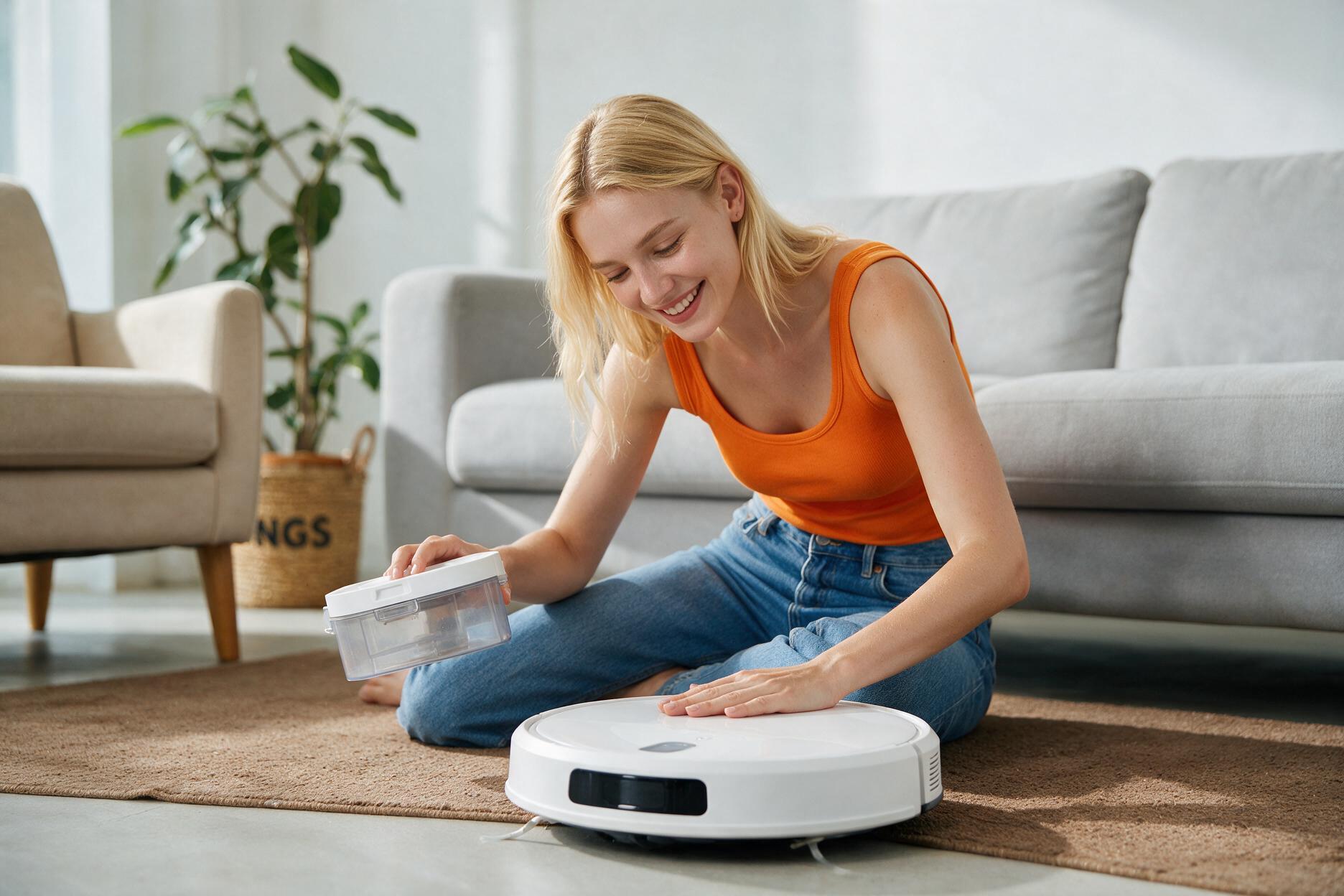
Air quality monitors, humidifiers, and robot vacuums sit in the same comfort category. Add them after lights and climate. A robot vacuum is a strong second-wave buy if floors are a weekly chore. Map the rooms, set no-go zones, and give it a clear dock. That is more useful than buying three extra gadgets with no daily job.
A smart speaker is the easiest control surface for a beginner. Put one in the kitchen or living room and use it for lights, timers, weather, and music. A small display is better if you want cameras, calendars, and recipes on a screen. You do not need a speaker in every room on day one.
Voice control works best with simple names. Call devices Kitchen Lamp, Hall Light, and Front Door, not cute nicknames nobody remembers. Group devices by room. Then a command like turn off the living room actually works. Teach the household the same names so the system does not become a one-person toy.
Privacy is part of this choice. Mute the mic when you want, read the camera policy, and disable features you do not need. A smart home should feel helpful, not always listening. If that bothers you, lean on wall switches, phone widgets, and motion sensors instead of always-on voice.
The best automations are boring. Lights on at sunset. Lights off at midnight. Thermostat down when the last person leaves. Porch light on when the doorbell rings. Those rules survive because they match real habits.
Avoid stacking five apps to do one job. Create the routine in your main platform. Test it for a week before adding more. If a light fires at the wrong time, people will disable the whole system. Reliability beats a clever scene that only you understand.
Motion sensors are excellent in hallways, closets, and bathrooms. They are annoying in living rooms if people sit still and the lights go out. Match the sensor to the room. Occupancy in a lounge, motion in a passage. That one distinction saves a lot of frustration.
Phase one is network, platform, two or three lights, and two smart plugs. That is enough to prove the house can handle a smart setup. Phase two is a doorbell or camera, a door sensor, and maybe a smart lock. Phase three is climate control and a robot vacuum if the first two phases still feel easy.
Buy from brands that support Matter or your chosen ecosystem, offer firmware updates, and have local spare parts or store support. Cheap no-name Wi-Fi gadgets often need a cloud account that disappears. For an electronics store buyer, service and compatibility are part of the product.
Keep a mix of control methods. A wall switch should still work when the internet is down if the device allows local control. Voice is convenient. Physical buttons keep the home usable for guests, kids, and anyone who does not want a phone to turn on a light.
Do not start with twenty devices from five brands. Do not skip the router upgrade. Do not put every gadget on a crowded 5 GHz network that half of them cannot join. Do not hide every light behind an app. Do not automate a room so aggressively that people fight the house.
Another mistake is ignoring power and safety. Use the right bulbs in enclosed fixtures. Do not overload cheap plugs with heaters. Follow the load rating. Hardwired switches and thermostat installs may need an electrician. A smart home is still electrical work when you open a wall box.
The last mistake is chasing novelty. Colored party lighting is fun. Daily schedules, a working doorbell, and a lock you trust are what make the home feel smart six months later.
Do I need a hub to build a smart home? Not always. Wi-Fi bulbs and plugs can run without one. If you want many lights, sensors, and better reliability, a hub or a Matter and Thread border router makes the system easier to grow.
What is the best first smart home device? A smart plug or a smart bulb in a lamp you use every day. It is cheap, reversible, and teaches you the app before you touch wiring or locks.
Is Matter worth waiting for? Yes for new purchases. Matter does not make old gadgets magically perfect, but it reduces the chance that your next lock, bulb, or sensor is trapped in one brand’s app.
Will a smart home work if the internet goes down? Some devices keep local control through the hub, Thread, or a wall switch. Cloud-only gadgets and remote camera viewing usually need internet. That is why local control and physical switches still matter.
How much should a beginner spend? Spend first on Wi-Fi, then on a small lighting kit, then on one security device. A focused starter set beats a huge bundle of gadgets you will not install.
Building a smart home as a beginner is a sequence, not a shopping spree. Choose a platform, fix Wi-Fi, automate a few lights, add simple security, then look at climate and chores. Use Matter-ready devices when you can, keep names simple, and write automations that match real life.
The complete beginner’s guide is really this: start small, make it reliable, and expand only when the first rooms already feel natural. A smart home should disappear into the day. When the lights, lock, and temperature just work, you built it the right way.



By subscribing you agree to our Terms & Conditions and Privacy & Cookies Policy.
